Last updated on:
Reading time:
8 min read
How Framer Helps You Improve Core Web Vitals

Zakir Ullah
Official Framer Expert

TRUSTED BY 50+ FOUNDERS
Your design + build partner
Design, Framer development, migration and SEO — founder-led, for US and EU teams.
TABLE OF CONTENTS
SUMMARIZE THIS
ARTICLE WITH AI
What Are Core Web Vitals and Why They Matter for Framer Websites
Core Web Vitals are the three performance metrics Google uses to measure real-world user experience: Largest Contentful Paint (LCP) for loading speed, Cumulative Layout Shift (CLS) for visual stability, and Interaction to Next Paint (INP) for responsiveness. For any Framer website, these scores directly affect Google rankings, bounce rate, and how quickly a visitor decides to trust your offer. The short answer: Framer gives you fast, optimized hosting out of the box, but your design choices ultimately decide whether your Core Web Vitals pass or fail.
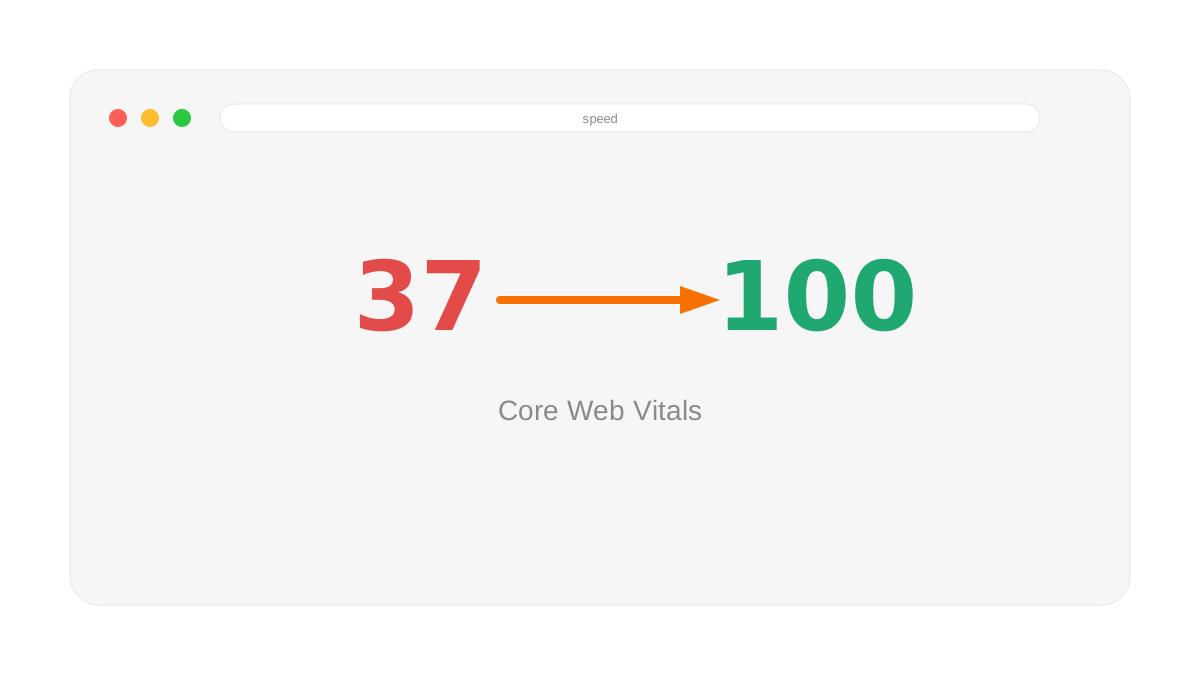
A common mistake is assuming performance is handled automatically by the platform. Framer provides a strong technical foundation — global CDN hosting, automatic image optimization, code-splitting, and lazy loading — but you still control image weight, the number of animated elements, the structure of the hero section, and how much content loads above the fold. Those decisions are where most Core Web Vitals problems begin.
Real Example: A Heavy Hero vs a Focused Hero
Imagine two versions of the same SaaS homepage built in Framer. Version one has a background video, three floating screenshots, a particle effect, and several loop animations in the hero. Version two has one optimized product screenshot, a clear headline, and a single subtle entrance animation.
The second version almost always produces a better Largest Contentful Paint, because the browser has fewer large assets to download and paint before showing meaningful content. The first version may look impressive in a design portfolio, but on a mid-range Android phone over 4G it can take seconds longer to feel usable — and that delay is exactly what Google measures.
How to Improve Largest Contentful Paint (LCP) in Framer
LCP is usually determined by the biggest visible element in the first screen. In Framer, that is often a hero image, a product mockup, or a large headline block. To improve it:
Right-size your hero image. Upload assets at roughly the dimensions they display at. A 4000px-wide image rendered in a 1200px container wastes bandwidth.
Let the headline paint first. Make sure your main headline appears immediately rather than waiting for a complex animation sequence to finish.
Avoid decorative assets above the fold. Particle effects, background videos, and floating illustrations push back the moment your main content becomes visible.
Prefer optimized formats. Framer serves modern formats automatically, so upload high-quality source images and let the platform compress them rather than pre-compressing into low-quality JPEGs.
How to Improve Cumulative Layout Shift (CLS)
Cumulative Layout Shift happens when content moves after the page has started loading. If a testimonial card changes height when its image finally loads, every section below it jumps — and that jump is jarring at the exact moment someone is trying to read or click.
To keep CLS low in Framer: use fixed or stable frames for images so space is reserved before the image loads, keep card structures consistent in height across a section, load web fonts carefully so text does not visibly reflow, and avoid dropping late-loading embeds (chat widgets, third-party reviews) into the middle of important content.
How to Improve Interaction to Next Paint (INP)
INP replaced First Input Delay in 2024 and measures how quickly the page responds when someone clicks, taps, or types. Heavy JavaScript and stacked animations are the usual culprits. To improve responsiveness, reduce unnecessary loop effects near forms and buttons, keep navigation simple, and avoid placing many animated components in the same viewport. A reliable rule: if an effect does not help the visitor understand the page, remove or simplify it.
PageSpeed Insights Is Not Your Core Web Vitals Score
The checklist above tells you to "review the field data section" in PageSpeed Insights, and that distinction matters more than it looks. PSI's headline score is a lab test run against a simulated, throttled mid-range Android device — it is not measuring your actual visitors. Google has confirmed the PSI score itself has no effect on rankings; what affects rankings is the separate Chrome User Experience Report field data, built from real visits over the trailing 28 days, which is what actually shows up in Search Console's Core Web Vitals report. The two numbers can disagree for weeks after a change, because the field data is a rolling average and the lab score updates immediately.
Two side effects worth knowing before you chase a PSI number: identical back-to-back tests can vary by up to 15 points with nothing on the page changed, so a single run is not a measurement — run it three times and use the median, or append a throwaway query parameter (yoursite.com/?1) to force a fresh test instead of a cached result. And several of PSI's own suggested fixes are known to not reliably move either the lab score or real-world performance, so treat its recommendations as a starting point, not a spec to satisfy line by line.
A Practical Framer Core Web Vitals Checklist
Before publishing any Framer page, run through this quick list:
Compress and right-size every above-the-fold image.
Test the page on a real phone, not just desktop preview.
Reduce decorative animations in the hero to one purposeful effect.
Add descriptive alt text to meaningful images.
Confirm buttons and links respond instantly on tap.
Run the live URL through Google PageSpeed Insights and review the "field data" section.
The goal is not to strip away all visual polish. The goal is to make polish intentional. A fast Framer website can still feel premium when animation supports the message instead of competing with it.

Frequently Asked Questions
Does Framer pass Core Web Vitals automatically?
Framer's hosting, CDN, and automatic image optimization give you a strong starting point, so a simple, well-built Framer site often passes by default. But heavy hero sections, oversized images, and stacked animations can still cause failures, so the design itself matters.
Why is my Framer site slow on mobile but fast on desktop?
Mobile devices have less processing power and slower connections, so large images and JavaScript-heavy animations hurt them more. Always test Core Web Vitals on mobile, where most of your traffic and Google's scoring focus.
What is a good LCP score for a Framer landing page?
Google considers an LCP of 2.5 seconds or faster to be "good." Most well-optimized Framer landing pages can comfortably reach this by keeping the hero image light and the headline text-first.
Want a Framer site that loads fast and ranks well? Read the complete Framer SEO guide, or see the quick-reference Framer SEO checklist before you publish. FramerFry builds fast, conversion-focused Framer websites for startups and service businesses.
WORKING ON THIS RIGHT NOW?
I run this exact process for US and EU teams — design, build, migration and the SEO work afterwards. Fixed quote in writing within three days.
NEED MORE INFO?
Frequently asked questions
Does adding more pages or CMS content hurt Core Web Vitals?
No — Core Web Vitals are measured per page, not site-wide, so a slow blog post doesn't drag down your homepage score. But it does mean a CMS template with a bad pattern (an unoptimized cover image field, say) quietly fails on every single post built from it — check the template once, not each article.
What usually causes a slow Framer site?
Almost always image weight, then third-party scripts. A hero photo uploaded at 4000px wide is the single most common cause. Second is analytics, chat and pixel scripts added one at a time by different people, each assuming theirs was the only one.
Should I use lab scores or field data?
Field data. Lighthouse gives you one run on one simulated connection; Core Web Vitals rankings use real visitor data over 28 days. Use lab scores to debug a specific change and field data to judge whether the site is actually fast.




Founder-led Framer studio by Zakir Ullah — Official Framer Expert & Creator. Design, build, migrate, maintain and grow — led by Zakir from strategy through delivery.
Other
Powered by @Framer
Get 3 Months Framer Free
Let's Connect on Contra
Hire Me on Contra
Ask AI about Framerfry