
Adding a blog in Framer is a CMS problem first: collection fields, a grid list, a detail template, and a writing workflow that produces useful articles — not thin stubs.
Set up the collection
Create fields for title, slug, date, cover, and rich text. Optionally add category later if you need filters.
Design list and detail
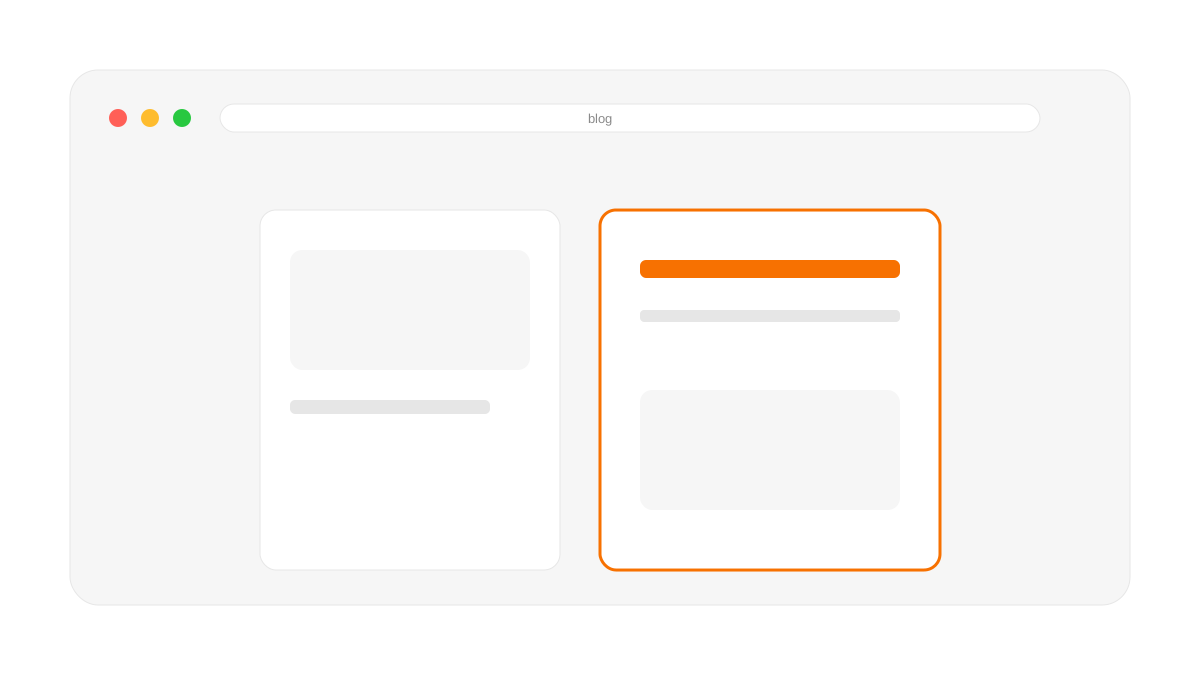
Use a three-column card grid on desktop. On the detail page: kicker, title, date, hero image, readable body width, author bio, and related posts.
CMS collection + fields
Index grid with covers
Detail template with rich text styles
Author + related modules
Write 8–12 substantive posts to start
Content quality bar
Each post should explain a problem, show steps or comparisons, include explanatory images, and link to a relevant service or booking CTA.
What to do next
Need a journal system like Framerfry's? Framer development or book a call.





Founder-led Framer studio by Zakir Ullah — Official Framer Expert & Creator. Design, build, migrate, maintain and rank — one person, end to end.
Other
Powered by @Framer
Get 3 Months Framer Free
Let's Connect on Contra
© 2026 Framerfry. Built by an Official Framer Expert.