Last updated on:
Reading time:
8 min read
How to Build a Custom CMS in Framer

Zakir Ullah
Official Framer Expert

TRUSTED BY 50+ FOUNDERS
Your design + build partner
Design, Framer development, migration and SEO — founder-led, for US and EU teams.
TABLE OF CONTENTS
SUMMARIZE THIS
ARTICLE WITH AI
A custom CMS in Framer succeeds or fails at the content model, not the card design. Decide what repeats, what needs its own page, and which fields an editor will realistically fill — then build. Getting this order wrong is why people rebuild their collections three months in.
TL;DR
Framer generates slugs from the first string field, at item creation. Order fields before entering content.
One collection per content type, not per section of the site.
If a collection needs two different template layouts, it is two collections.
Bind SEO title and description to fields. Typing them into the template duplicates them across every item.
Drive related items from a category field, not a hand-picked reference list.
Model the content before you design the cards
Start by listing what actually repeats on your site — blog posts, case studies, team members, job openings, integrations, locations. Each of those is a candidate collection. Then for each, ask two questions: does it need its own URL, and do editors need to add new ones without a designer? Two yeses means a collection. One no usually means it should be a component with variants instead.
The mistake is treating collections as a layout convenience. If you make a collection because you want a grid of four things that never change, you have added editing overhead for no benefit.
Field order is permanent in a way people do not expect
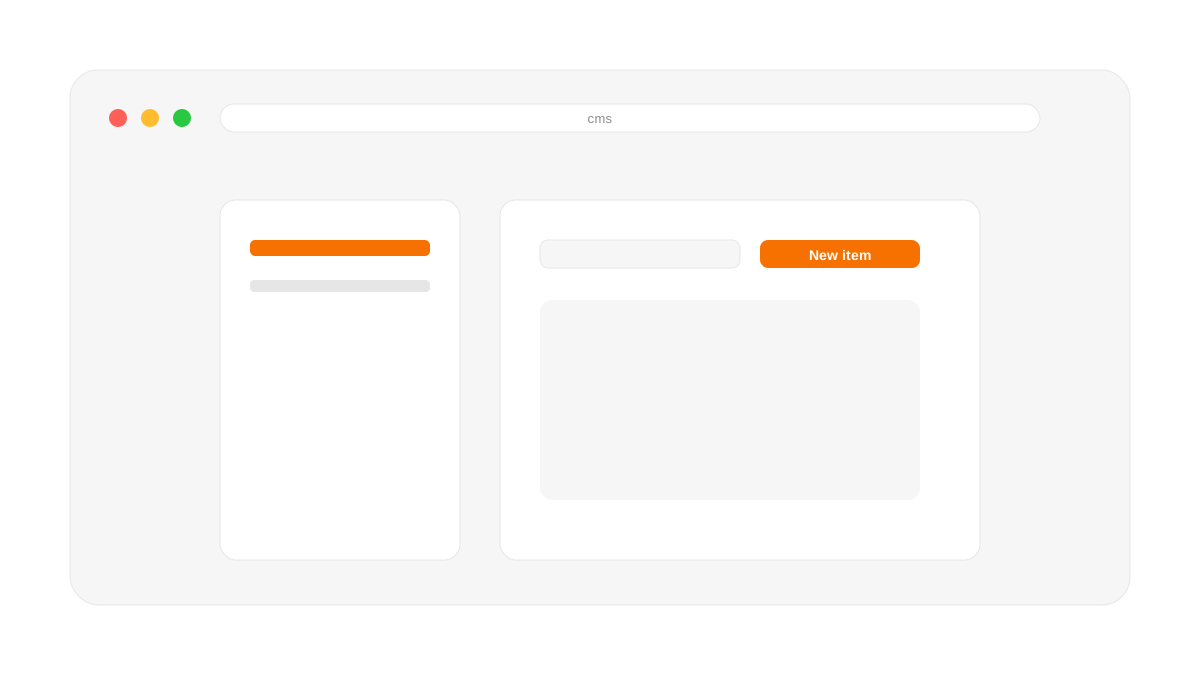
Framer builds each item's slug from the first string field in the collection at the moment the item is created. It does not use a field named Slug, and reordering fields later does not fix slugs that already exist. If your first string field is a category or an author name, you get collisions and numbered suffixes.
So: make the Title field first, always, before anyone enters content. This is a thirty-second decision that is a migration to undo.
Which fields you actually need
A blog collection that works looks roughly like this:
Title — string, first field, drives the slug.
Excerpt — string, required. This becomes your meta description; make it mandatory or items ship with the site-wide fallback.
Cover image — with an alt text field beside it, because Framer will not force you and nobody adds it voluntarily.
Date — a real date field, not a string, so sorting works.
Category — an option field, which drives related-item logic later.
Content — formatted text.
The temptation is to add more. Resist it. Every optional field is a field that will be empty on half your items, and empty fields make templates look broken.
One layout per collection
If half your case studies need a video hero and half need an image gallery, you have two options: build both into one template with conditional visibility, or split into two collections. Conditional visibility works for small differences and becomes unmaintainable past about three. If the layouts differ structurally, split them — collections are cheap and unmaintainable templates are not.
Detail pages: bind everything, type nothing
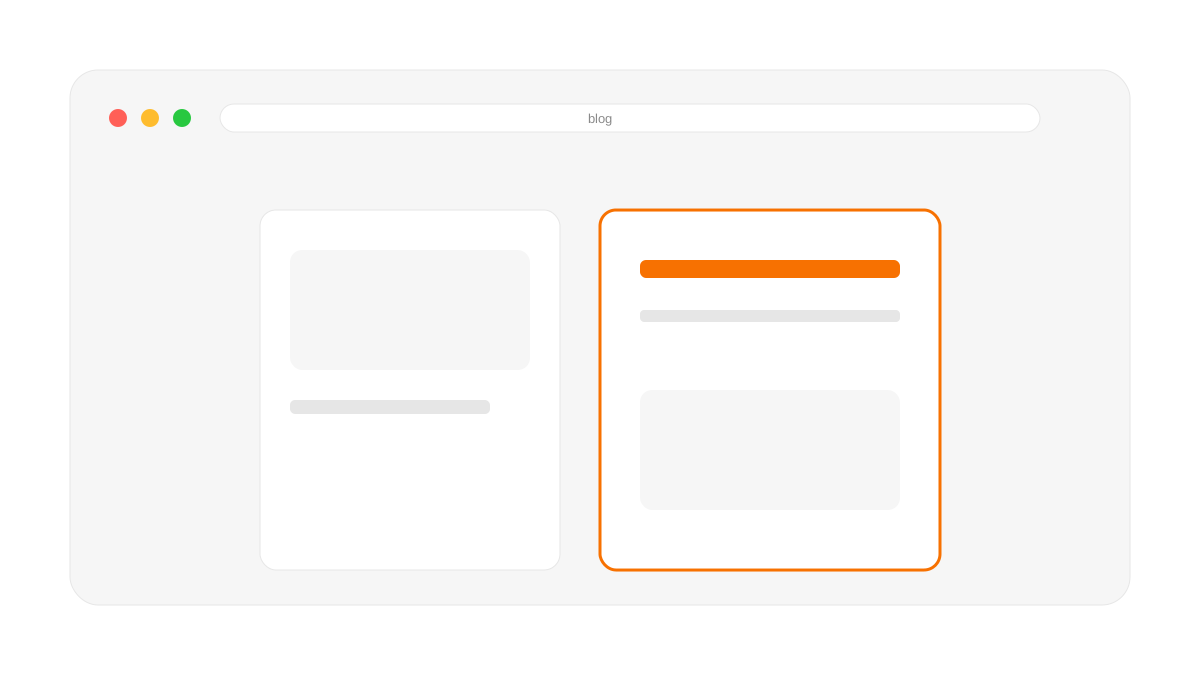
On the CMS template page, bind the SEO title to your Title field and the description to your Excerpt field. If you type text into those boxes instead, every item in the collection ships with identical metadata. This is the most common Framer SEO fault I find, and it is invisible unless you crawl the site.
Also bind the H1 in the template and start the rich text body at H2. Framer assigns heading tags from text style presets, so a large heading inside body content silently becomes a second H1.
Related items: category, not hand-picked
Framer lets you add a reference field so each item can point at related items. It is tempting and it is a trap: it works for the items you set up during the build and starves every item published afterwards, because nobody goes back to fill it in.
Drive related items from the category field with a filtered list instead. New items join the network automatically the moment they are published.
Performance with large collections
Collections stay fast until the listing page tries to render everything at once. Paginate or lazy-load past about fifty items, and make sure card images are sized for the card rather than the full-width hero they were cropped from. A listing page pulling forty 2MB images is the most common cause of a slow Framer site.
Plan limits you will hit before you expect to
Free gives you 2 collections and 1,000 items total, across the whole site — not per collection. Basic doubles items to 2,500 but keeps you at 2 collections. Pro jumps to 10 collections with effectively unlimited headroom: $20 buys another 10,000 items up to a 40,000 ceiling, and $40 buys another 10 collections up to 40.
The number that actually bites people is the 2-collection cap on Free and Basic. A blog plus a case-study collection is already your limit — team members, testimonials, and job listings all have to share one of those two slots or wait for Pro. Check this before you scope the content model, not after the client has entered fifty items.
What to do next
Before you build anything, write your collections and fields out as a plain list and check the field order. Ten minutes there saves a rebuild. If your collections already exist and the slugs are wrong, that is a migration with redirects rather than a rename — the Framer CMS SEO guide covers how to handle it.
WORKING ON THIS RIGHT NOW?
I run this exact process for US and EU teams — design, build, migration and the SEO work afterwards. Fixed quote in writing within three days.
NEED MORE INFO?
Frequently asked questions
How does Framer generate CMS slugs?
From the first string field in the collection, at the moment the item is created. Not from a field named Slug. Reordering fields later does not fix slugs that already exist, so put Title first before entering any content.
When should something be a collection rather than a component?
When it needs its own URL and editors need to add new ones without a designer. If you only want a grid of four things that never change, a component with variants is less overhead.
How do I set up related posts properly?
Drive them from a category field with a filtered list. A hand-picked reference field works for the items you set up during the build and starves every item published afterwards, because nobody goes back to fill it in.




Founder-led Framer studio by Zakir Ullah — Official Framer Expert & Creator. Design, build, migrate, maintain and grow — led by Zakir from strategy through delivery.
Other
Powered by @Framer
Get 3 Months Framer Free
Let's Connect on Contra
Hire Me on Contra
Ask AI about Framerfry