Last updated on:
Reading time:
8 min read
How to Migrate to Framer Without Losing SEO

Zakir Ullah
Official Framer Expert
TRUSTED BY 50+ FOUNDERS
Your design + build partner
Design, Framer development, migration and SEO — founder-led, for US and EU teams.
TABLE OF CONTENTS
SUMMARIZE THIS
ARTICLE WITH AI
A Website Migration Can Improve SEO — or Quietly Damage It
Migrating to Framer is a real opportunity to improve design, speed, and content structure. But a rushed migration can lose hard-won rankings by changing URLs without redirects, dropping content that earned traffic, or publishing pages with missing metadata. The goal of a good migration is simple: keep the SEO value you already have while improving the experience visitors see after the move. This guide gives you the step-by-step process to do exactly that.
Step 1: Create a Complete URL Inventory
Before anything else, export or list every important URL from the old site — homepages, service pages, blog posts, comparison pages, landing pages, and anything receiving organic traffic or holding backlinks. This inventory is your map. For example, you might plan to move “/webflow-vs-framer” into the blog at “/blogs/framer-vs-webflow-which-one-should-you-choose-in-2025.” You can’t preserve what you haven’t listed.
Step 2: Decide What Happens to Each Page
Every old page should be intentionally kept, improved, merged, redirected, or removed — never left to chance. Don’t delete an old article just because the design looks dated. If it has traffic or backlinks, preserve the topic and improve the content instead. Thin, overlapping posts are good candidates to merge into one stronger guide that ranks better than the fragments did separately.
Step 3: Preserve Metadata and Headings
Before launch, check every important page’s title, meta description, H1, hero copy, and body content. Migration is a fine time to improve weak metadata — but the danger is accidentally publishing blank titles or generic descriptions during the rebuild. Treat the existing metadata as a baseline you protect first and upgrade second.
Step 4: Set Up Redirects Carefully
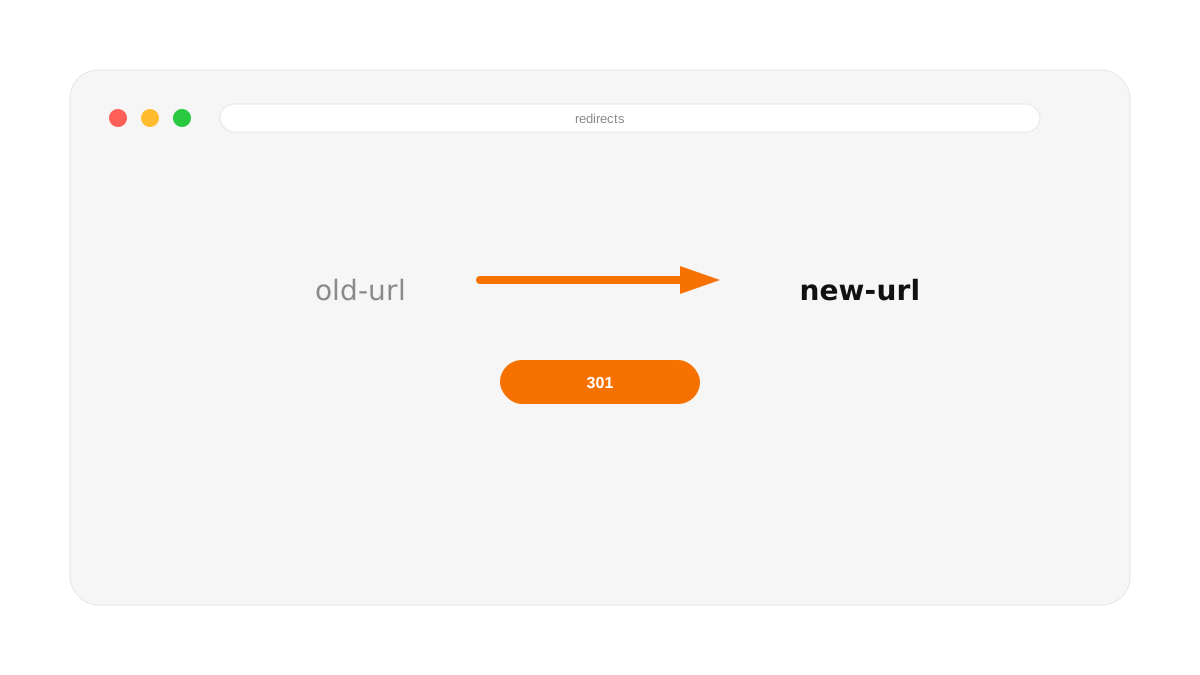
If any URLs change, redirects are essential. A visitor or search engine landing on an old path should be sent to the most relevant new page with a 301 redirect, which passes along most of the ranking value. The classic mistake is redirecting everything to the homepage — that creates a poor experience and wastes the relevance you built. Map each old URL to its closest new equivalent, one by one.
The redirect syntax and limits nobody mentions
Framer's redirect engine supports wildcards and capture groups, not just one-to-one mapping. /blog/* matches every sub-path under /blog. For structural changes, /blog/*/post/* can map to /article/:1/entry/:2 — the numbered slots pull the matched segments straight into the new URL. You rarely need to write 200 individual rules; a handful of wildcard patterns usually covers a full blog migration.
There's a hard ceiling, though. Pro caps you at 100 redirect rules, Scale at 500, and no project gets more than 2,500 regardless of plan. If you're moving a content-heavy site with thousands of thin URLs, plan the wildcard structure before you start — you won't get there by brute-forcing one redirect per post. Also: Framer only redirects sub-paths on your current domain. A full domain change (old-domain.com to new-domain.com) isn't a Framer redirect at all — that's DNS-level, and you file it separately with Google's Change of Address tool in Search Console.
Don't ship the staging robots.txt to production
Every Framer staging environment auto-generates a robots.txt with Disallow: / so Google doesn't index your work-in-progress. That's correct behavior — until launch day, when it's easy to forget the toggle exists. Check the live robots.txt and the "Show page in search engines" setting on every page immediately after you point the domain at production. A silently blocked production site is a more common migration failure than a bad redirect.
Step 5: Test Thoroughly After Launch
After publishing, click through the navigation, test blog detail pages, check mobile layouts, submit the new sitemap to Google Search Console, and monitor analytics closely. Watch specifically for 404 errors, broken internal links, missing images, and sudden drops in indexed pages. The first two weeks after a migration are when problems surface and when they’re cheapest to fix.
A Realistic Migration Example
A startup moving from WordPress to Framer might keep its top five SEO blog posts intact, merge three thin articles into one stronger guide, redirect old service URLs to new landing pages, and replace slow hero images with optimized Framer assets. That is a migration strategy — protecting equity while upgrading the experience — not just a redesign that happens to change the URLs underneath it.
Frequently Asked Questions
Will migrating to Framer hurt my Google rankings?
Not if you map URLs, set up 301 redirects, and preserve titles, headings, and content. Done carefully, a migration to Framer often improves rankings thanks to faster load times and cleaner structure.
Do I need redirects when moving to Framer?
Yes, for any URL that changes. 301 redirects pass ranking signals from old URLs to new ones and prevent visitors from hitting dead pages. Framer supports redirects without code.
How do I migrate a WordPress blog to Framer without losing traffic?
Inventory your URLs, recreate or improve the highest-traffic posts in Framer’s CMS, keep the same topics, redirect old slugs to the new ones, and resubmit your sitemap after launch.
Once you’ve migrated, lock in the fundamentals with the complete Framer SEO guide and run every new page through the Framer SEO checklist.
WORKING ON THIS RIGHT NOW?
I run this exact process for US and EU teams — design, build, migration and the SEO work afterwards. Fixed quote in writing within three days.
NEED MORE INFO?
Frequently asked questions
Should I migrate and redesign at the same time, or migrate first?
Migrate first if rankings matter more than looks — a like-for-like rebuild isolates the platform change so you can attribute any movement correctly. Redesigning at the same time works too, but conflates two variables, so if something dips you won't know whether it was the URLs or the new layout.
What is the single most important migration step?
The pre-launch crawl. It becomes your redirect map, your metadata source, and the baseline you compare against afterwards. Nearly every migration that loses traffic traces back to a thin or skipped audit.
How long before traffic recovers?
Expect a small wobble in the first week or two while Google re-crawls, then recovery. A decline that keeps going past a month means something is broken, and it is almost always a redirect gap.




Founder-led Framer studio by Zakir Ullah — Official Framer Expert & Creator. Design, build, migrate, maintain and grow — led by Zakir from strategy through delivery.
Other
Powered by @Framer
Get 3 Months Framer Free
Let's Connect on Contra
Hire Me on Contra
Ask AI about Framerfry